
Please check our videos and FAQ below for self-help and if you need assistance please create a support ticket or email us.
Training Videos
Self-Help FAQ
I forgot my Access Code
- Click Here
- Click the “Continue with Microsoft” button at the top (pic 1)
- Use your BGC email and password to login
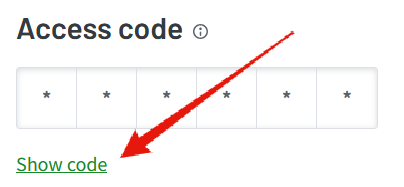
- On the front page click the “Show code” link (pic 2)

I want a different Access Code
- Sadly you cannot change it yourself, however if you create a support ticket or email we can set it for you.
- Please include the code you would like, it must be between 4 and 8 characters (letters and/or numbers)
I was given a Swipe Card, how do I set it up?
- Place your swipe card near the card reader on the copier
- You’ll be prompted to enter your PaperCut username and password or access code
- After entering your credentials, swipe the card again to log in
I need to install the iOS or Android app